Hardware per kiosk, the three software routes and what each costs, the build line by line, the parts cheap quotes leave out, and an honest look at whether kiosks raise order value.
A self-service kiosk costs $700 to $2,500 per unit in hardware, then either $50 to $200 a month per kiosk for off-the-shelf software or a one-off $30,000 to $66,000 to have the software built for your own check-in, booking or ordering flow. Card payments on the kiosk cost 2.7% plus 5 cents per transaction in the US through Stripe Terminal, the same as any in-person card machine. Those are the three numbers most quotes blur together. Below is what each one buys, when the cheap route is the right one, and the parts of a kiosk build that decide whether it's still working in month six.
What a kiosk actually is
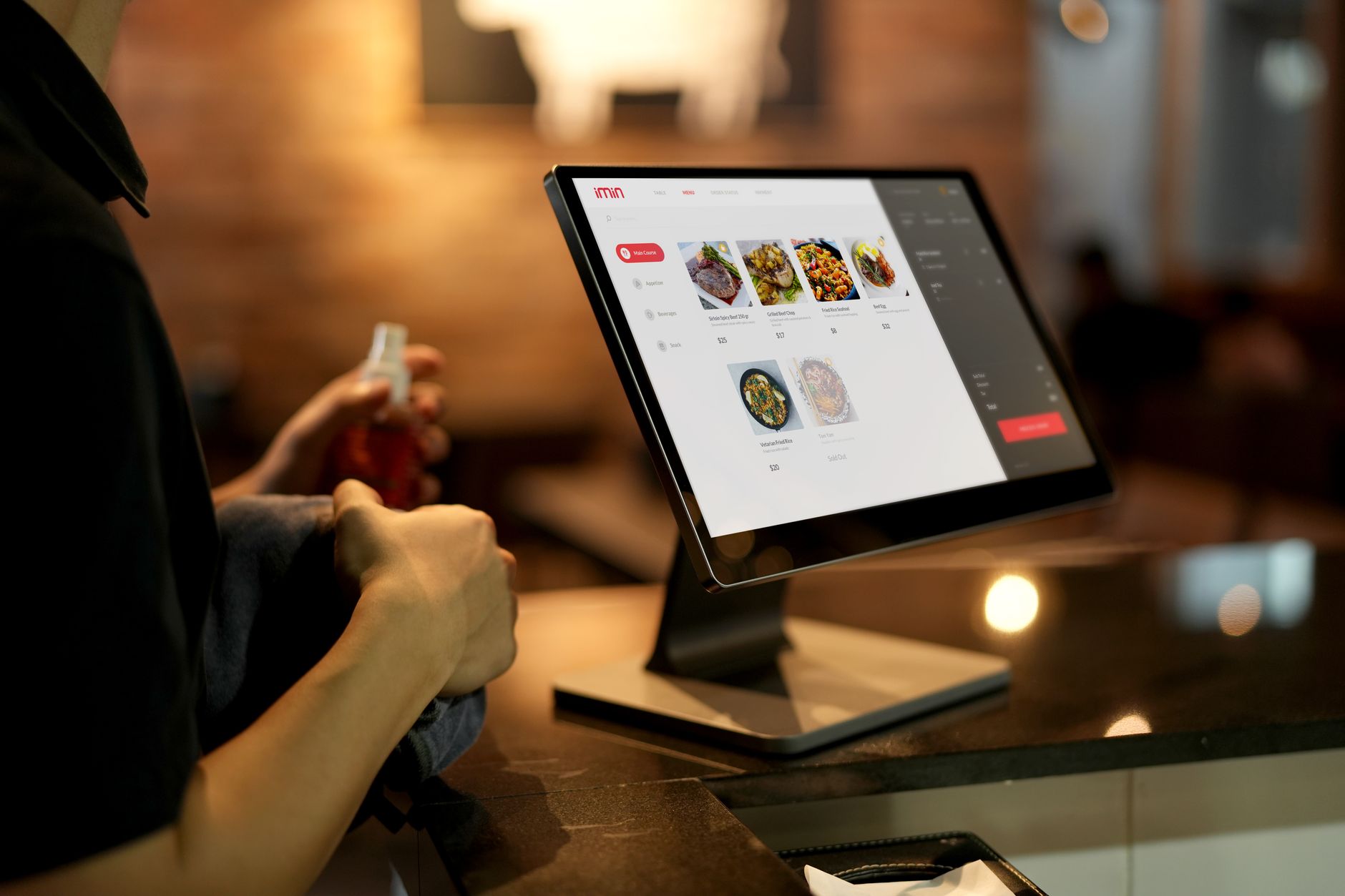
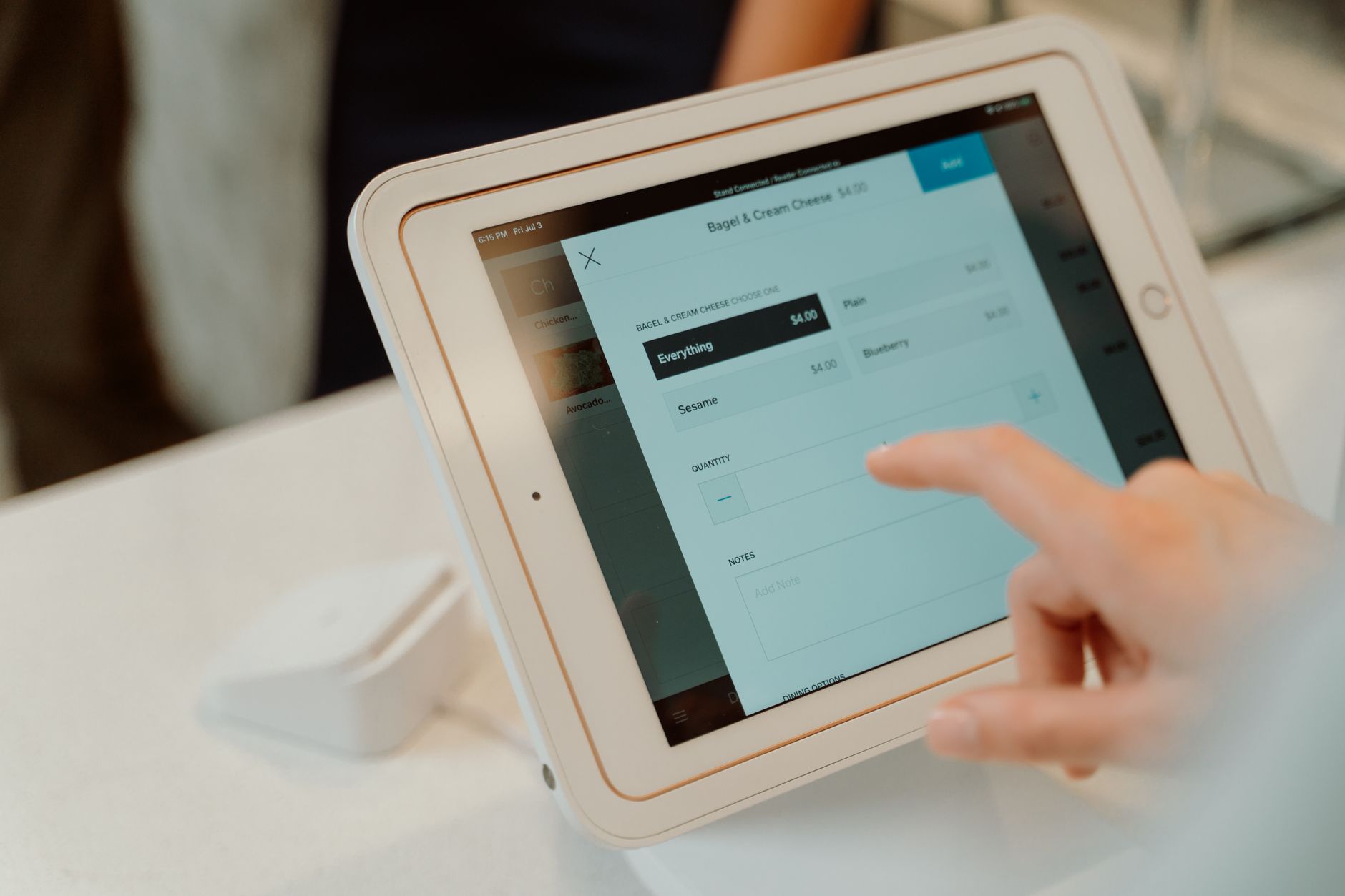
A tablet or touchscreen locked to one app, with a card reader and usually a printer attached, running a flow a customer can finish without staff: order and pay, check in for an appointment, book and pay for a slot, collect a ticket. The app is the product. The hardware around it (reader, printer, scanner, sometimes a gate or door controller) is wired to it so a tap on the screen drives all of it as one system.
Three things separate a kiosk from a website on a tablet: it must be impossible for a customer to leave the app, it must keep working when the internet drops, and someone has to be able to see every kiosk from one screen and push an update to all of them at once.
Hardware, per kiosk
| Item | Typical price | Notes |
|---|---|---|
| Tablet | $300 to $500 | An iPad or a business-grade Android tablet. Consumer Android tablets under $200 fail early under all-day use. |
| Enclosure or stand | $100 to $600 counter, $800 to $1,500 floor-standing | Tamper-proof, cable-managed, with the reader mount built in. |
| Card reader | $59 to $349 | Stripe Terminal: Reader M2 and WisePad 3 at $59, WisePOS E at $249, Reader S700 at $349. Tap to Pay on the tablet itself is free but contactless only. |
| Receipt or label printer | $200 to $400 | Thermal, no ink. Label printers cost about the same. |
| Barcode or ID scanner | $100 to $300 | Only if the flow scans tickets, IDs or account codes. |
The Stripe prices are from its hardware pages as of September 2026. The other rows are typical retail ranges, and they move with the brand. A counter kiosk for ordering lands around $700 to $1,200 all-in. A floor-standing unit with a scanner and printer is $1,800 to $2,500.
Software: three routes
Route 1: a kiosk plan from your POS vendor
If you run a restaurant or café on Square or Toast, this is the cheap route and usually the right one. Square Kiosk is $149 for the hardware plus $50 a month per active device, on top of Square's card fees. Toast's kiosk is quoted at around $1,024 for the unit plus $69 a month, and Toast prices most add-ons by quote, so the all-in number needs a sales call. The menu, the payments and the reporting are already in the system, and the kiosk is another screen on it.
The limit is that it does what the vendor's kiosk does. Ordering, yes. Checking in a patient, renting a unit, printing a gate code, scanning a membership card: no.
Route 2: a standalone kiosk product
Dedicated kiosk vendors sell the unit and a subscription. GRUBBRR's units run $2,500 to $3,500 with an undisclosed monthly fee, and across the category the software sits at $50 to $200 or more per kiosk per month depending on loyalty, upsell logic and reporting. Fine for ordering. Less fine the moment the flow has to talk to a system the vendor hasn't heard of.
Route 3: build the app on your own system
This is what we do (kiosk app development), so read it knowing that. A custom kiosk app is a front end to your real data: your booking system, your billing, your access control. It's the route for check-in and booking flows, for anything with a gate or a door, and for businesses that already run their own software and want the kiosk to be part of it rather than beside it. Costs are below.
The custom build, line by line
Our estimates from the kiosks we've shipped, not an industry average. The flow row moves with how many screens the customer touches; the hardware row moves with how many devices hang off the tablet.
| Line | Hours | At $75 an hour |
|---|---|---|
| Define and design the flow | 40 to 80 | $3,000 to $6,000 |
| The screens: large-tap, high-contrast, accessible | 120 to 250 | $9,000 to $18,750 |
| Payments through Stripe Terminal | 40 to 80 | $3,000 to $6,000 |
| Hardware: printer, scanner, gate or door | 40 to 120 | $3,000 to $9,000 |
| Lockdown, auto-recovery, offline queue and sync | 40 to 80 | $3,000 to $6,000 |
| Backend, admin and fleet dashboard | 60 to 150 | $4,500 to $11,250 |
| Testing on the real hardware | 40 to 80 | $3,000 to $6,000 |
| Rollout to the first site | 20 to 40 | $1,500 to $3,000 |
| Total | 400 to 880 | $30,000 to $66,000 |
Swap in your rate: $120 to $250 an hour for senior developers in the US, $90 to $180 in the UK, $45 to $90 in Eastern Europe. If the backend already exists (a booking system with an API, say), the backend row shrinks to wiring and the total drops by $5,000 to $8,000. The same arithmetic for phone apps is in what a mobile app costs to build.
The parts that get left out of cheap quotes
- Lockdown. The tablet runs one app and nothing else. A customer can't reach settings, the home screen or the browser, and a reboot comes straight back to your screen. On iPad that's Single App Mode; on Android it's a dedicated-device profile. Managing it across a fleet takes device-management software: Hexnode runs $2.20 to $4.70 per device per month, Jamf Pro around $3.67, Kandji around $9.
- Offline mode. Wi-Fi drops in lobbies. The app queues the order or the check-in locally and syncs when the connection returns. Payments still need the reader online, so the flow has to fail gracefully at that step.
- Auto-recovery. Printers jam, readers disconnect, apps crash at 3am. A kiosk nobody restarts needs to restart itself and tell you it did.
- Accessibility. Large tap targets, high contrast, screen-reader support and a second language. Public-facing screens are covered by accessibility law in most places, and a kiosk a wheelchair user can't reach is a complaint waiting to happen.
- The fleet dashboard. Uptime, transactions and errors per kiosk, and one button that updates every unit. Without it, an update means a person driving to each site with a cable.
Payments on the kiosk
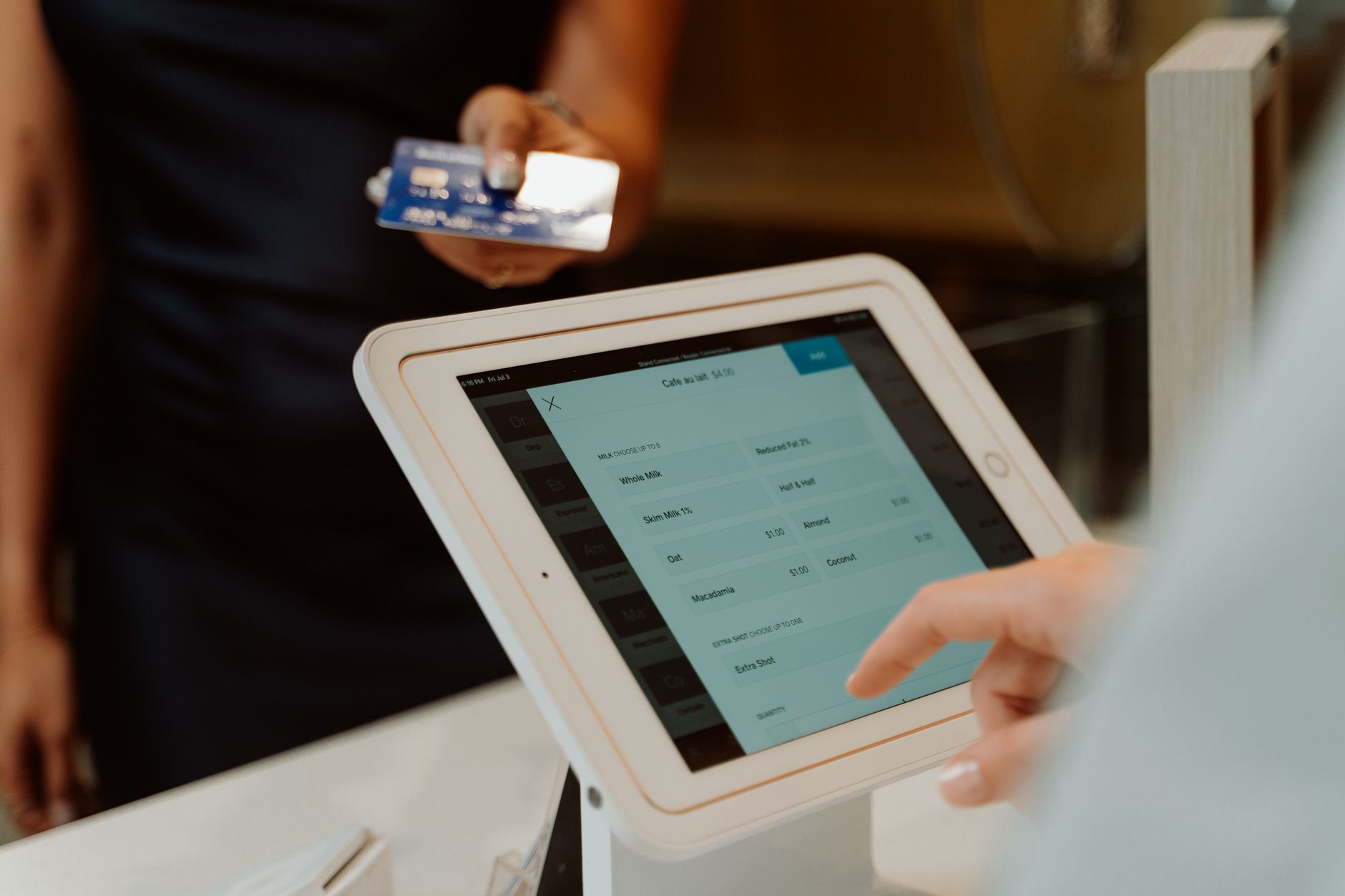
Kiosk payments are card-present, which is cheaper than online. Stripe Terminal charges 2.7% plus 5 cents in the US on every reader, against 2.9% plus 30 cents for a card typed into a website. In the UK, Stripe Terminal is 1.4% plus 10p on domestic and EEA cards. Tap to Pay on the tablet skips the reader entirely but takes contactless only, so a customer with a chip-only card or a cash habit is stuck. For a kiosk that must capture every payment, buy the reader.
Running cost per kiosk
After the build: device management at $2 to $9 a month, a share of hosting for the backend (a Laravel API on a $24 to $48 server serves dozens of kiosks), a data SIM or the site's Wi-Fi, and a replacement reserve, because tablets in public use last two to four years and readers about the same. Call it $30 to $80 a month per kiosk for a custom build once the software is paid for, against $50 to $200 on a subscription product for as long as you run it. Two kiosks over three years: roughly $2,000 to $6,000 on the custom route, $3,600 to $14,400 on subscription, before hardware.
Does it pay? The honest version
Vendor blogs put the rise in average order value from self-order kiosks at 15% to 30%, and McDonald's reported about 30% after its rollout. Treat those with care: the claim appears everywhere and rarely with a method, and one academic field experiment at a Burger King found kiosk orders averaging about 11% lower than orders taken by a cashier. Upsell depends on the menu and the flow, and it can go either way.
The gains that hold up are throughput and captured payment. A kiosk takes the next customer while the last one is still finishing. It doesn't take "I'll pay next time". And it works at 6am and 11pm without a shift. An illustrative lobby, so the arithmetic is visible: a nine-minute queue at the morning peak, 40 customers an hour through one counter. Two kiosks at 60 seconds a transaction each add capacity for 120 an hour, and the counter handles the exceptions. Whether that's worth $40,000 depends entirely on how many people walk away from the nine-minute queue today. Count them for a week before you buy anything.
Six questions before you sign
- What happens on the kiosk when the internet drops mid-order?
- Can a customer get out of the app? Show me.
- Which card reader, and what's the in-person rate?
- How does an update reach twelve kiosks in four locations?
- Who owns the app and the fleet dashboard if we part ways?
- What did the last rollout's first month look like, and what broke?
Questions people ask before buying a kiosk
How much does a self-service kiosk cost?
Hardware is $700 to $2,500 per kiosk: a tablet, an enclosure, a card reader at $59 to $349 from Stripe, and a printer if you need receipts. Software is $50 to $200 a month per kiosk on a subscription, or $30,000 to $66,000 one-off for a custom app built on your own systems.
Can I use an iPad as a kiosk?
Yes, and most counter kiosks are exactly that: an iPad in a tamper-proof enclosure, locked to one app with Single App Mode, with a Stripe reader and a printer attached. Business-grade Android tablets work the same way with a dedicated-device profile.
What does kiosk software cost per month?
Square Kiosk is $50 a month per active device plus $149 for the unit. Toast's kiosk is around $69 a month plus about $1,024 for hardware, priced by quote. Standalone kiosk products run $50 to $200 or more a month. A custom app has no software subscription, only device management at $2 to $9 a month and a share of hosting.
What are the card fees on a kiosk?
Kiosk payments are card-present, so they're cheaper than online. Stripe Terminal charges 2.7% plus 5 cents per transaction in the US, against 2.9% plus 30 cents for a card typed into a website. Your POS vendor's kiosk uses that vendor's in-person rate.
Do kiosks increase order value?
Vendors say 15% to 30%, and McDonald's reported about 30%. One academic field study at a Burger King found kiosk orders about 11% lower than cashier orders. The reliable gains are throughput, hours of operation and payment captured every time. Test the upsell claim on your own menu before you rely on it.
What happens if the internet goes down?
A properly built kiosk keeps taking orders or check-ins, queues them locally and syncs when the connection returns. Card payments need the reader online, so the flow should explain the wait or offer to hold the order rather than freezing. Ask any vendor to demonstrate it by pulling the cable.